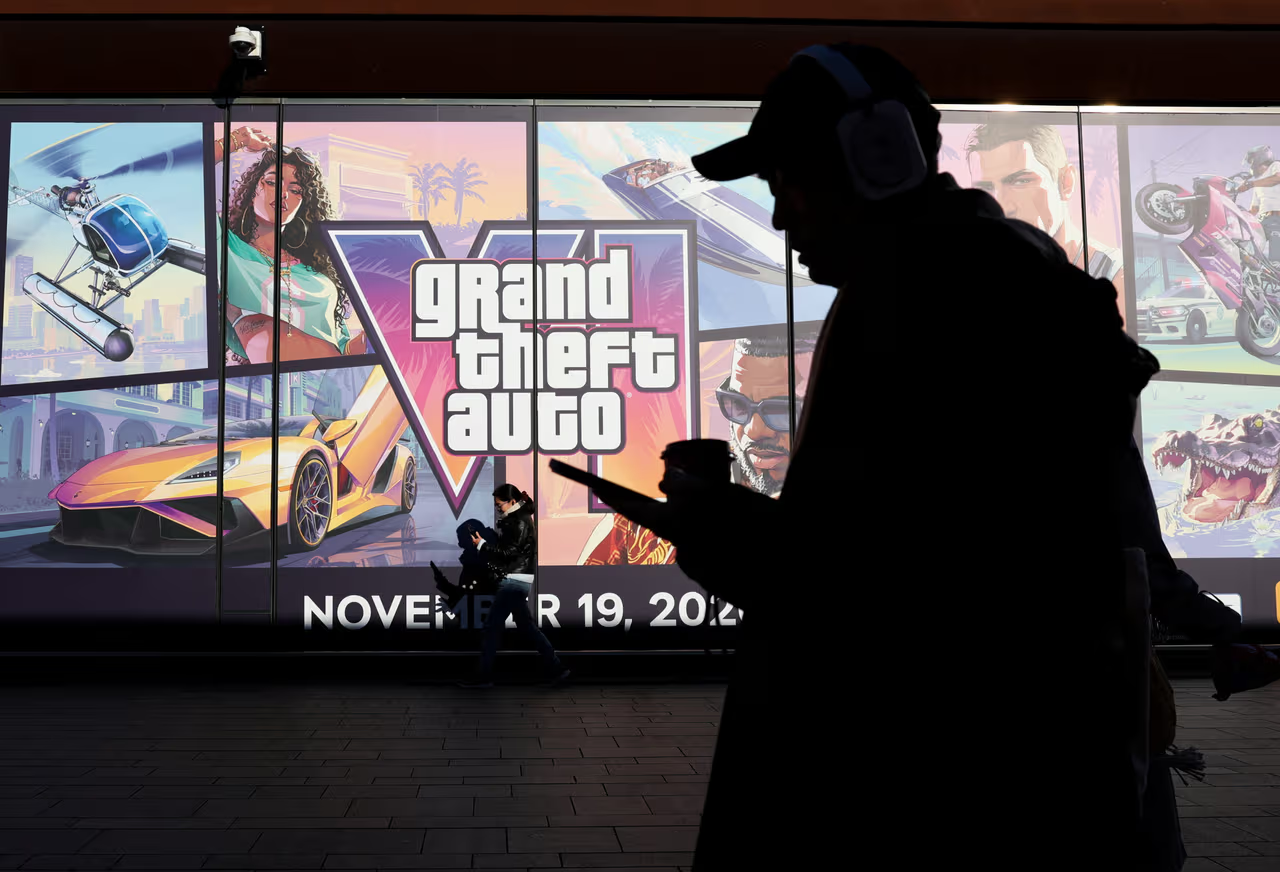
GTA 6 is playable on Xbox One via Xbox Cloud Gaming
Can you play GTA 6 on Xbox One? We explain how to access Grand Theft Auto VI from the previous-gen console using Xbox Cloud Gaming.
Key points
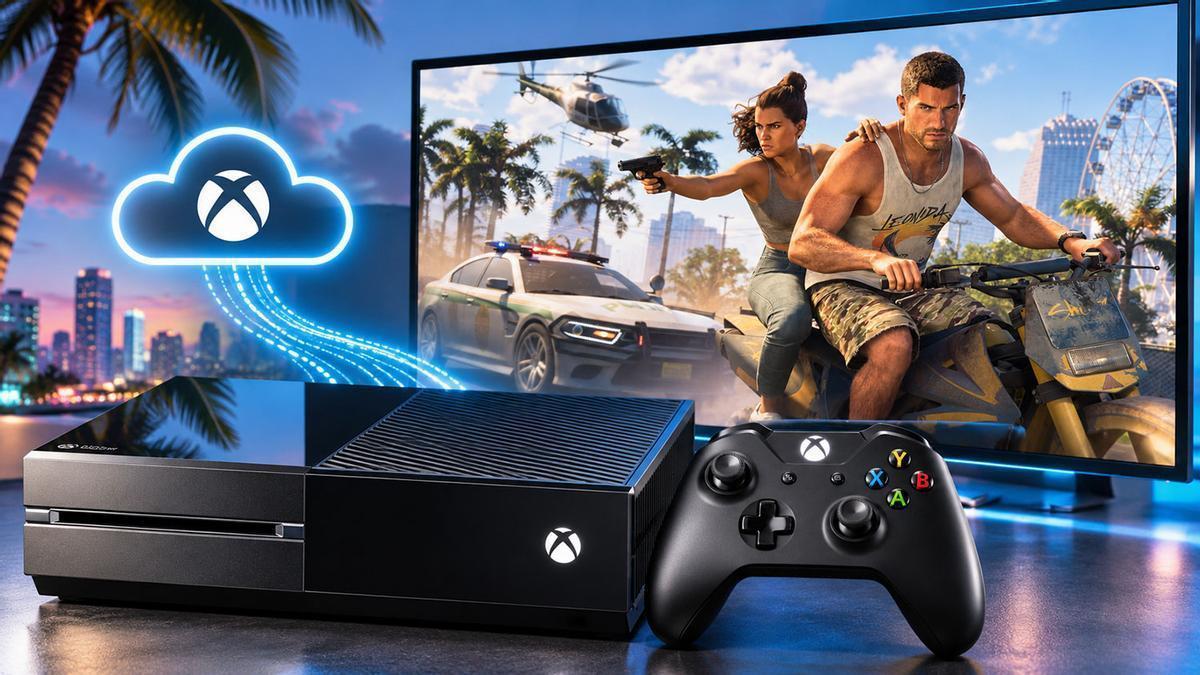
- Grand Theft Auto VI does not have a native version for Xbox One, but it works via Xbox Cloud Gaming.
- It requires buying the digital game in the Microsoft Store and having access to cloud gaming.
- The streaming uses the Xbox Series S graphical profile and does not require downloading the game file.
Xbox One users can access Grand Theft Auto VI (GTA 6) starting from its release on November 19, 2026, without upgrading to a current-gen console. Although Rockstar Games did not develop a native version for the older hardware, Microsoft enabled compatibility through its streaming platform Xbox Cloud Gaming.
What is needed to play GTA 6 on Xbox One?
To run the title from a last-gen console, you must meet three essential requirements:
- Buy the digital game: You must purchase Grand Theft Auto VI directly on the Microsoft Store with your account. The title is not included for free in the Xbox Game Pass subscription catalog.
- Access to Xbox Cloud Gaming: Have available cloud gaming time through the corresponding Game Pass plans or the purchase of additional hours depending on the region.
- Stable internet connection: To avoid input lag or drops in quality, it is recommended to connect the console via an Ethernet cable or use 5 GHz Wi-Fi networks.
How does it work and what are its graphical limitations?
The game is not downloaded or installed on the Xbox One hard drive, which saves storage space. All visual and physics processing happens on Microsoft's remote servers, which send the video and audio signal in real-time to the console.
According to information confirmed by the company, the cloud stream uses the visual settings profile corresponding to Xbox Series S. This means that the resolution, draw distance, and certain technical details are lower compared to native execution on an Xbox Series X or PlayStation 5. Furthermore, streaming for this release was enabled exclusively for Xbox consoles, temporarily leaving out access from web browsers on computers and mobile devices.
Step-by-step to start the game
- Turn on the Xbox One and log in with the Microsoft account where you purchased the digital copy.
- Go to the games and apps section of the console.
- Search for Grand Theft Auto VI in your library or the digital store.
- Select the cloud gaming option (identified by a cloud icon).
- Start the stream and wait a few seconds while the link with the server is established.
Sources
- 3DJuegos 3djuegos.com
- El Informador informador.mx
- TyC Sports tycsports.com
- El Diario diario.mx
This story was prepared with the help of artificial intelligence, based on the linked sources.
At Brevelat we always link our sources and say when something is not confirmed. Spotted a mistake? Write to us. How we work.
What did you think?
Get notified
Get a notification on this device when there is something new about:
Comments
No comments yet. Start the conversation.